

Introducing Plan.City 2.0
Design, Evaluation & Communications of Real Estate Projects
Plan.City is a set of site evaluation & presentation tools for the Architects, Planning Consultants, Developers and Urban Planners. Built on the latest Unreal Engine 5 technology, Plan.City 2.0 is a powerful toolkit for the industry. Users can rapidly evaluate development site, visualise and evaluate proposed designs against a variety of planning restrictions.

Plan.City London
Plan.City London is a set of site evaluation & presentation tools for Architects, Urban Planners and Developers in London. The application includes large, accurate and up-to date 3D model of London and even the Future Skyline Layer to better understand the proposed changes in planned built environment. Customers are able to manipulate the dataset with sets of tools, build or import a 3D model, overlay the city model with 3rd party databases, run a set of urban planning studies and export results and visuals.
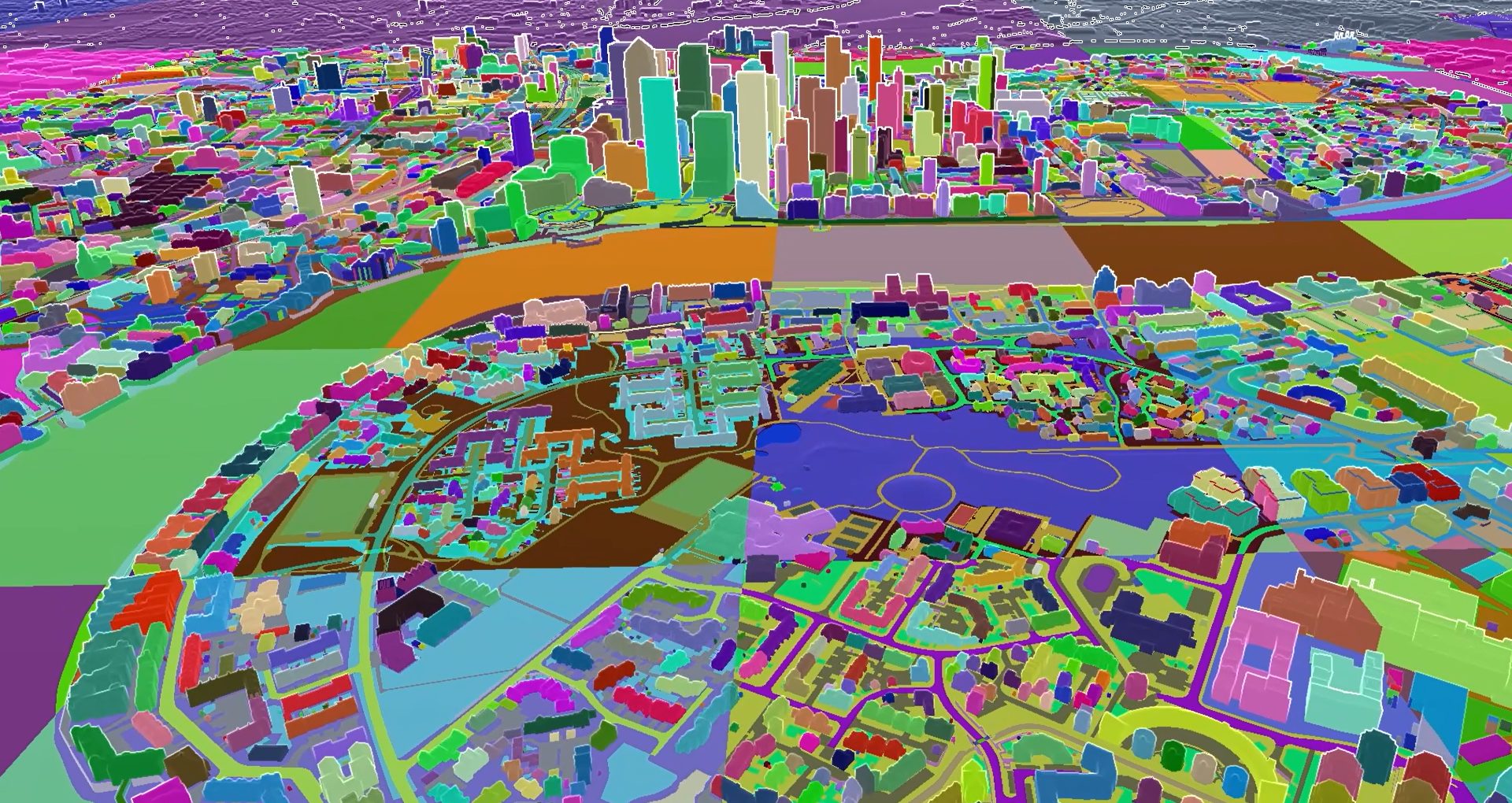
Game Engine meets Urban Planning
70kmsq of High-Detail London model
Plan.City 2.0 is powered by UE5, the most advanced 3D game engine with built-in Nanite and World Partition technologies. The app has been designed to be stable and work smoothly with large city models – all of our high detail geometry, all at once. On top of being able to seamlessly render millions of polygons, we are also taking advantage of the new rendering features introduced by the engine. The app runs on average gaming computer or in our cloud via web browser.
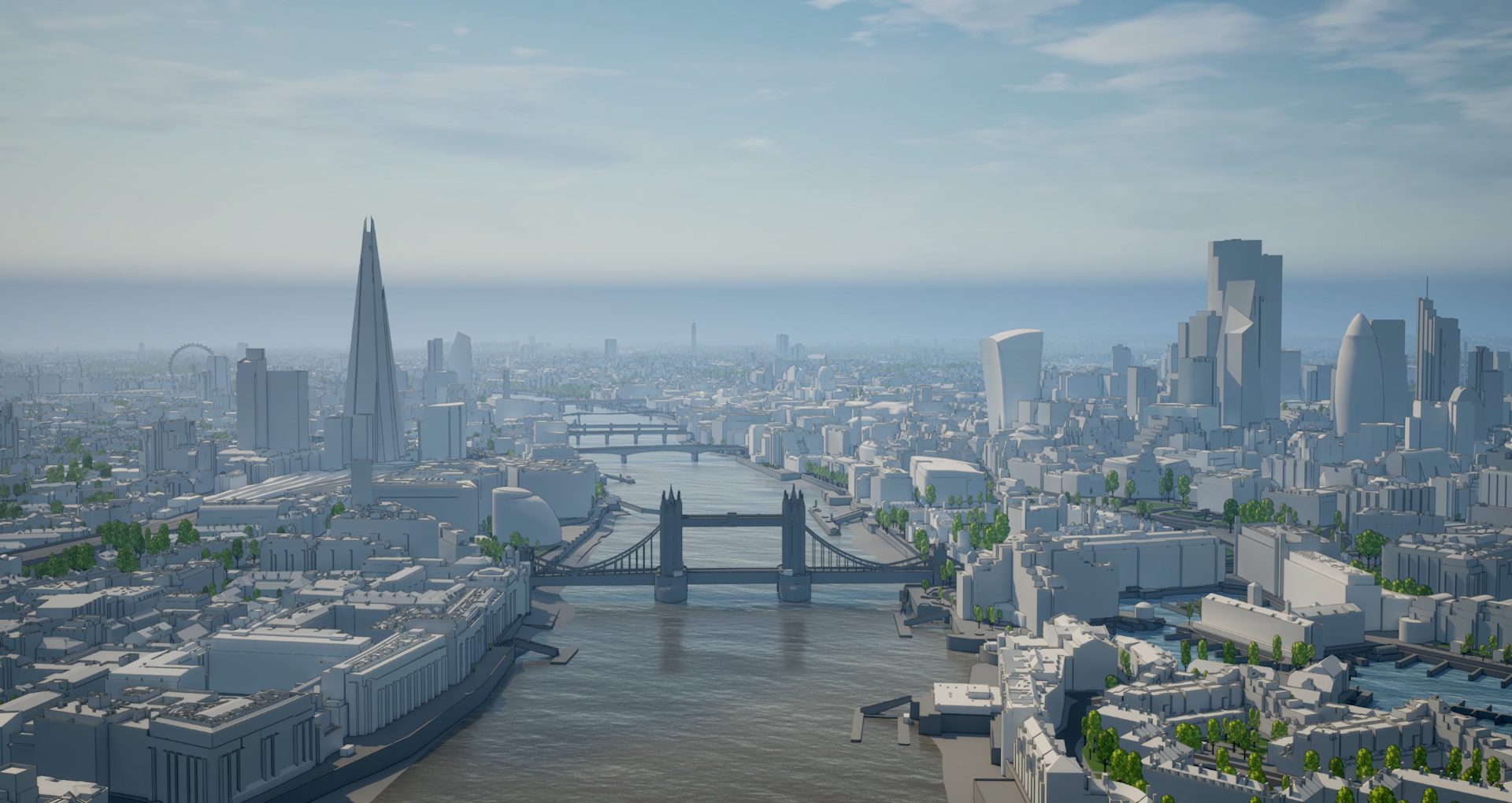
Familiar Controls and Intuitive Interface
Drone-like flight, First Person and 3rd Person walk
Using keyboard and mouse or a game pad, users have complete control of movement within the digital twin environment. Fly or walk anywhere in the 3D model, explore all angles, experience the design from street level or from neighbouring properties. Switch to 3rd person view for better understanding of scale and context.
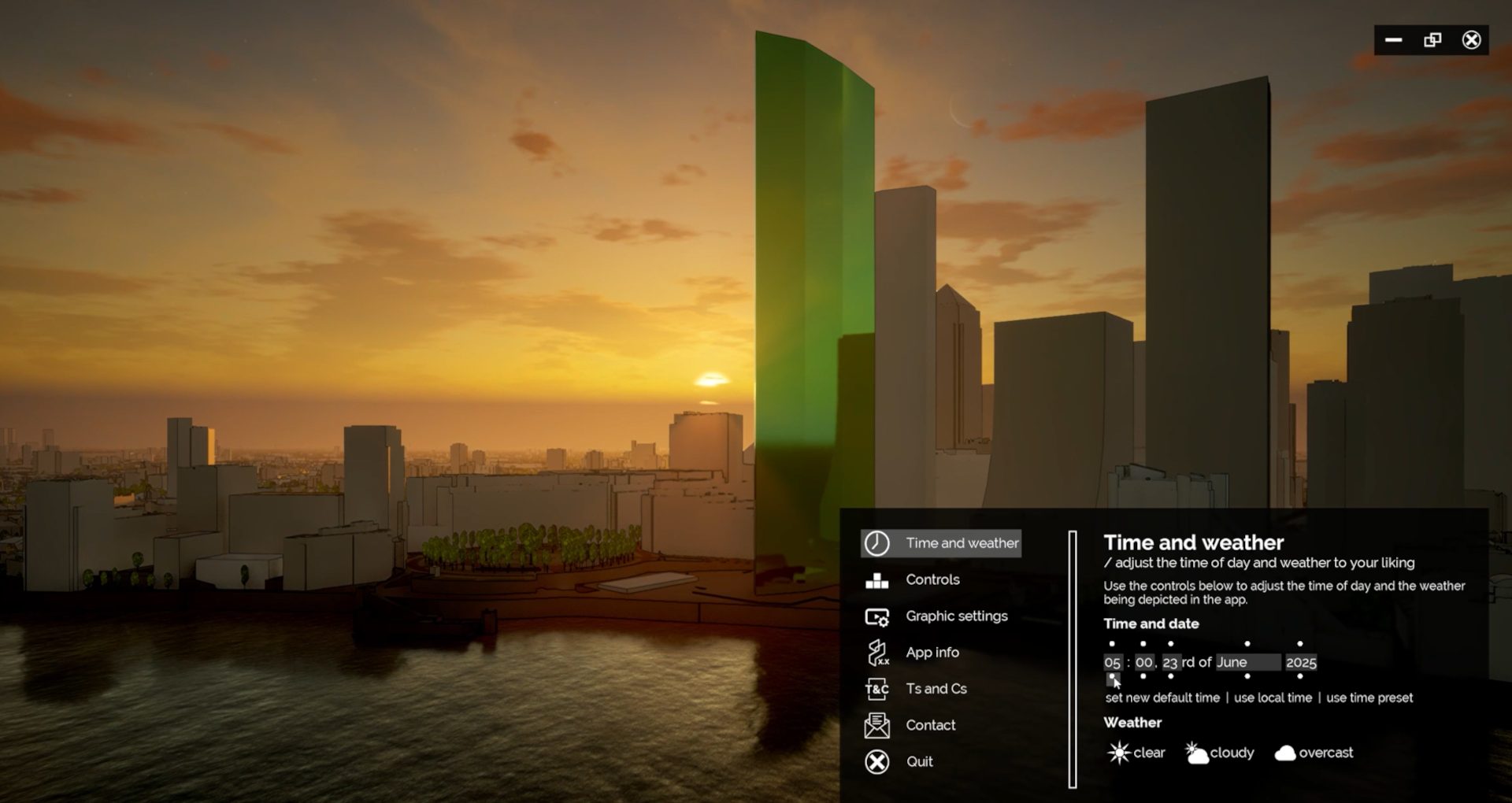
Graphics, Lighting and Environment Controls
Set Date, Time of Day and Weather conditions
Users can change number of graphics and performance settings to match their hardware. Geo-located city model of London simulates accurate sun and shadows. Time and Date settings can be used to simply alter the aesthetics or to examine proposed designs from daylight and sunlight perspective.
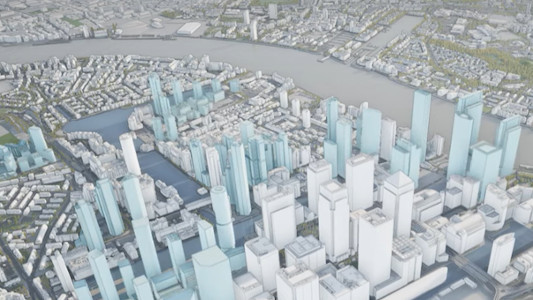
Future Skyline Layer Overlays
3D models of major consented developments
Real estate developments proposed for a dense and busy city centres take years to complete. Plan.City: London has major future developments included and users can display these based on their estimated completion dates. This allows our customers to see the future and plan and design developments better.
Manipulate Existing 3D City Model
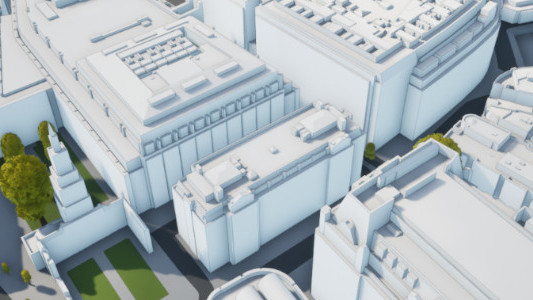
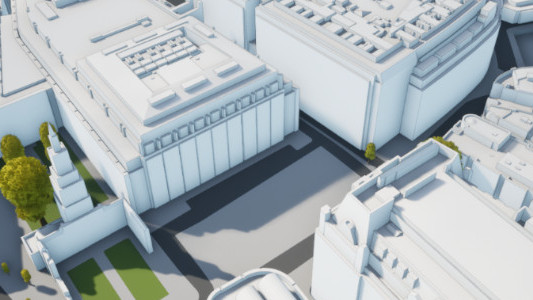
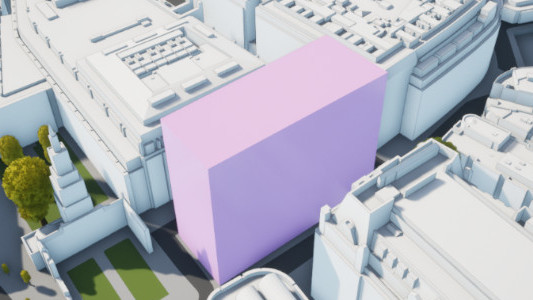
Built-in Tools to Remove & Create Buildings
Plan.City 2.0 allows users to clear site by hiding existing buildings and structures. Builder Tool allows easy envelope design of a new proposed structure in 3D. Object manipulation possible on multiple layers. Objects created using the Builder Tool can be exported in FBX format.
Sketch 3D models of Buildings
Create Complex shapes with ease
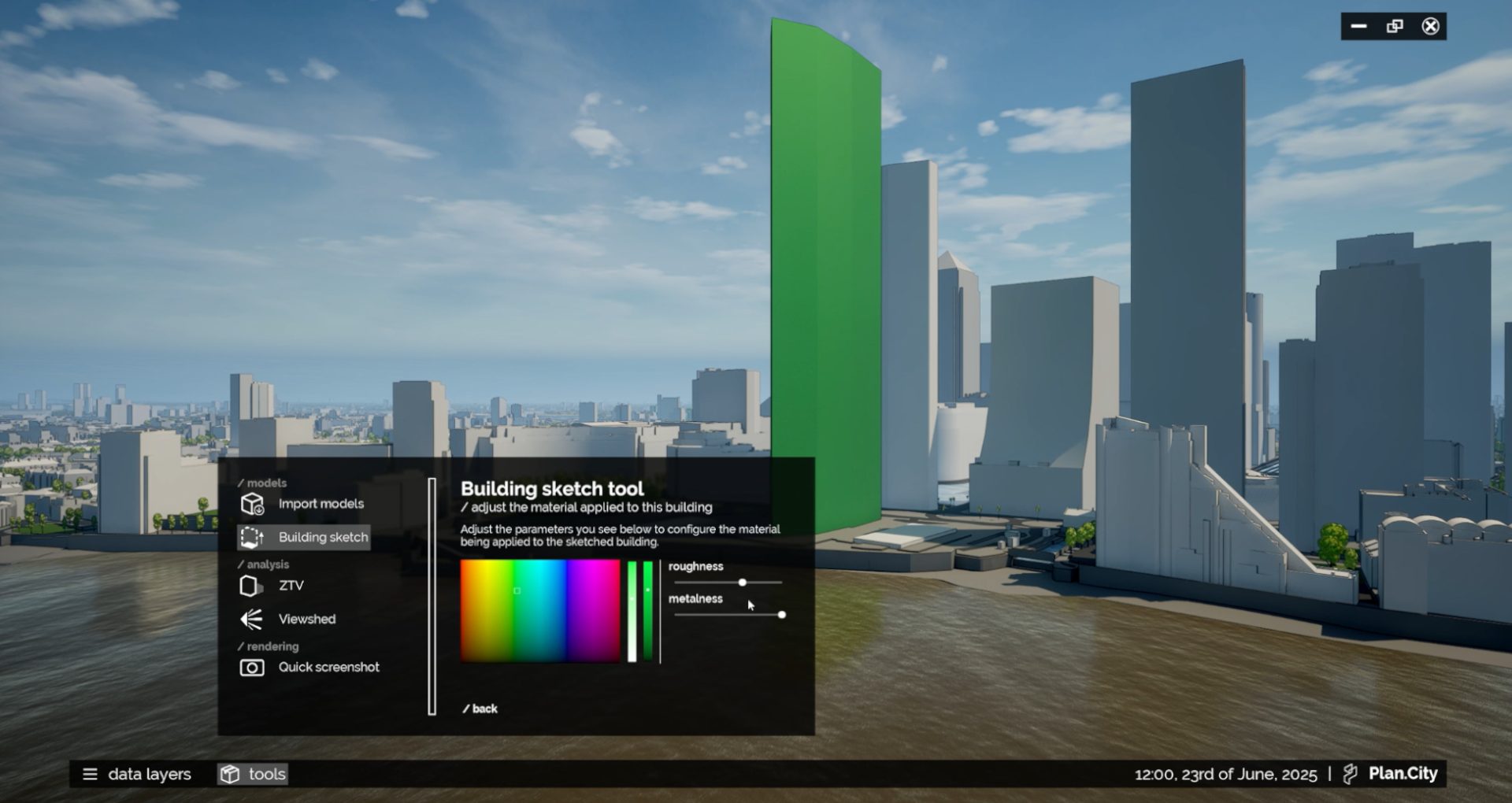
Use the Building Sketch Tool to create 3D objects anywhere in the 3D city model. Check its height against ground, neighboring properties or even distant landmarks. Measure existing environment with 15 cm accuracy. Create accurate maps of areas of potential visibility of your proposed developments and many more tools to design better urban spaces.
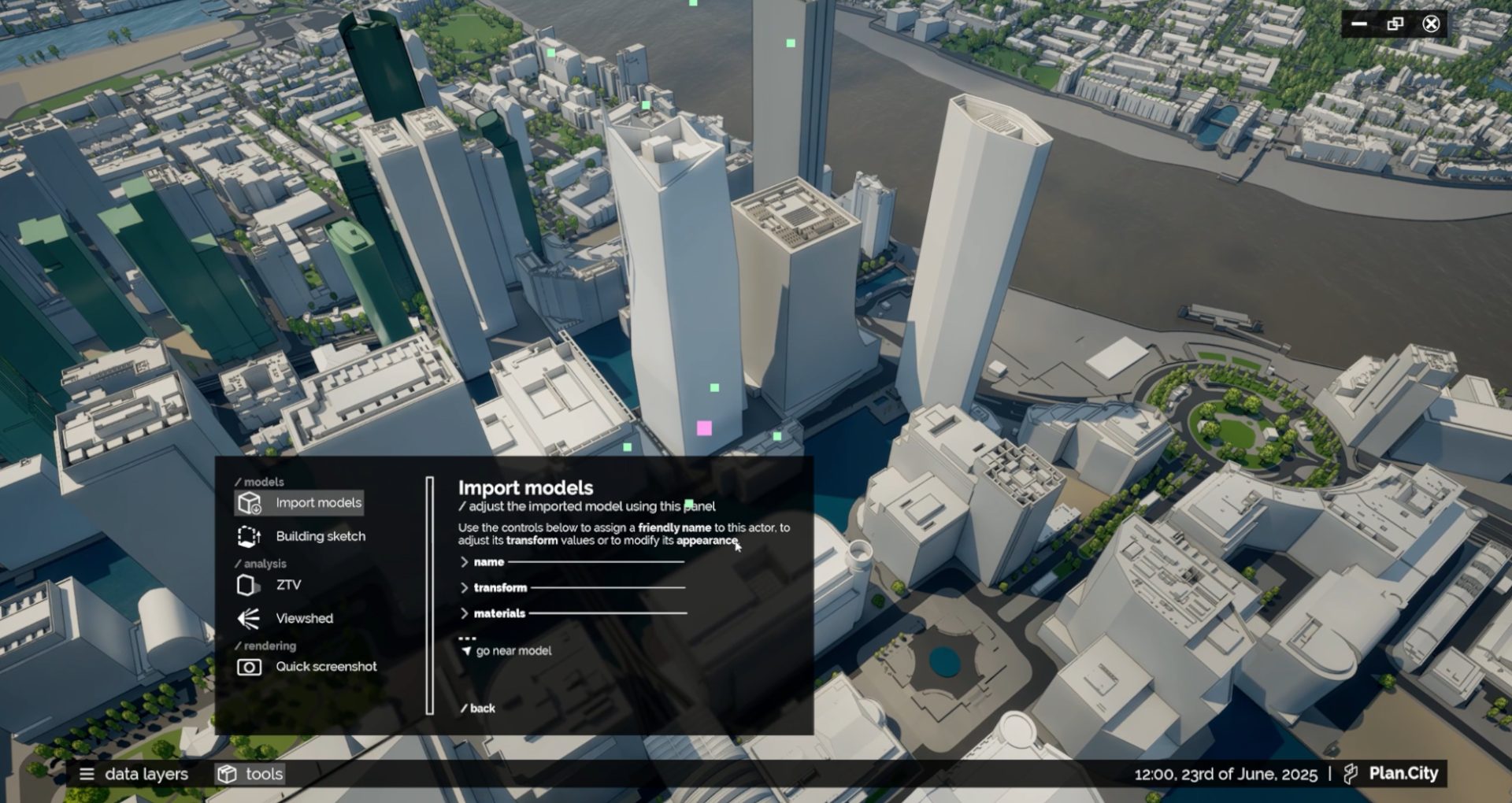
Import your 3D models
Evaluate Design Proposal in wide area city context
Import your proposed developments in FBX format into Plan City with few clicks. Visualise, evaluate and compare ideas and design in the context of its neighbourhood, wider area, local authority or entire city. Create & share impressive visuals, make 3D presentations in real time.
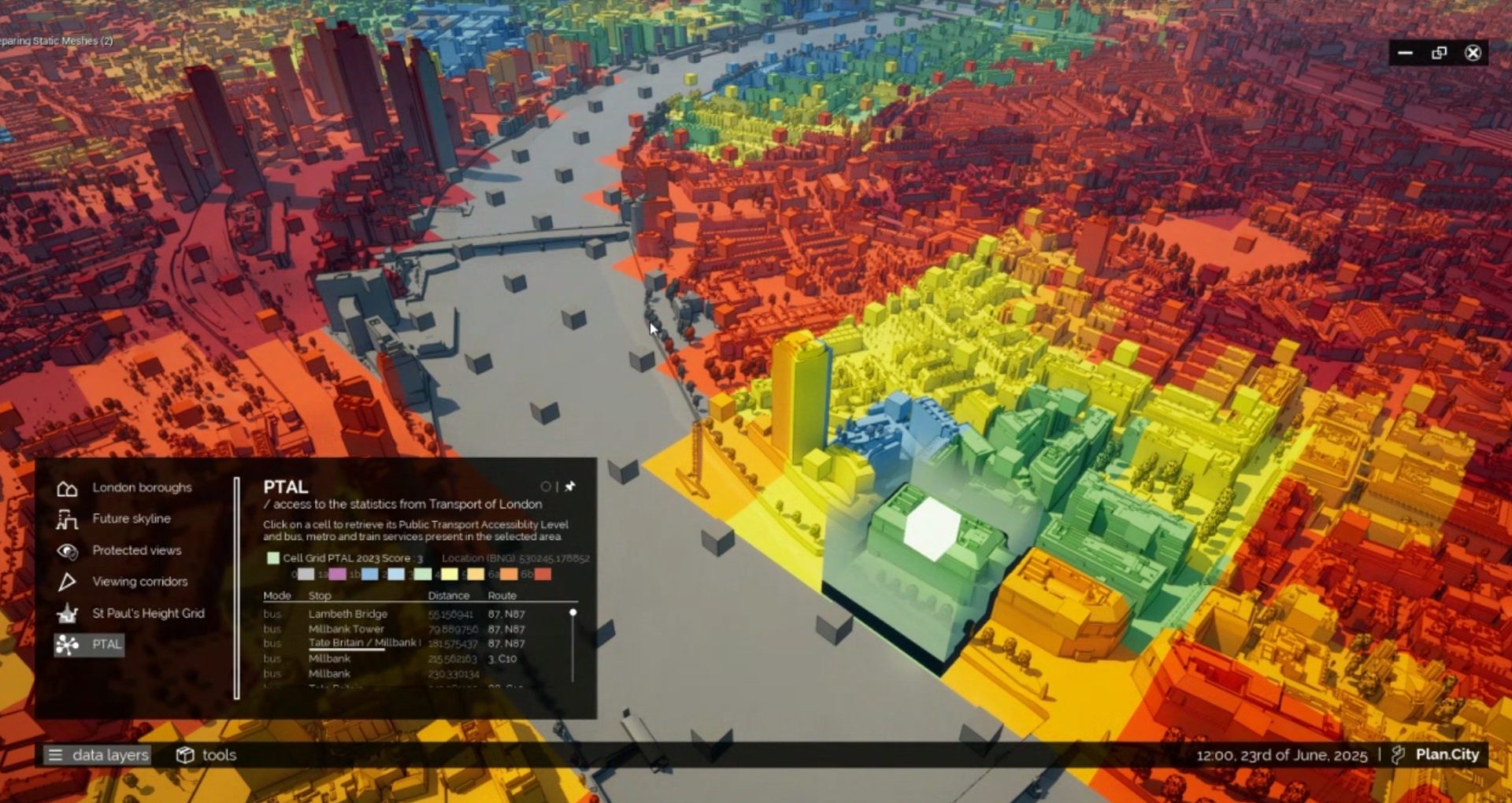
Overlay Public and Private Databases
Works with static and dynamic I/O Databases
Overlaying a 3D city model with existing city databases can help clients to better evaluate a development opportunity. From simple checks of area connectivity or number and type of developments in its vicinity, Plan.City users can overlay static, dynamic, I/O databases or even multimedia with city model.
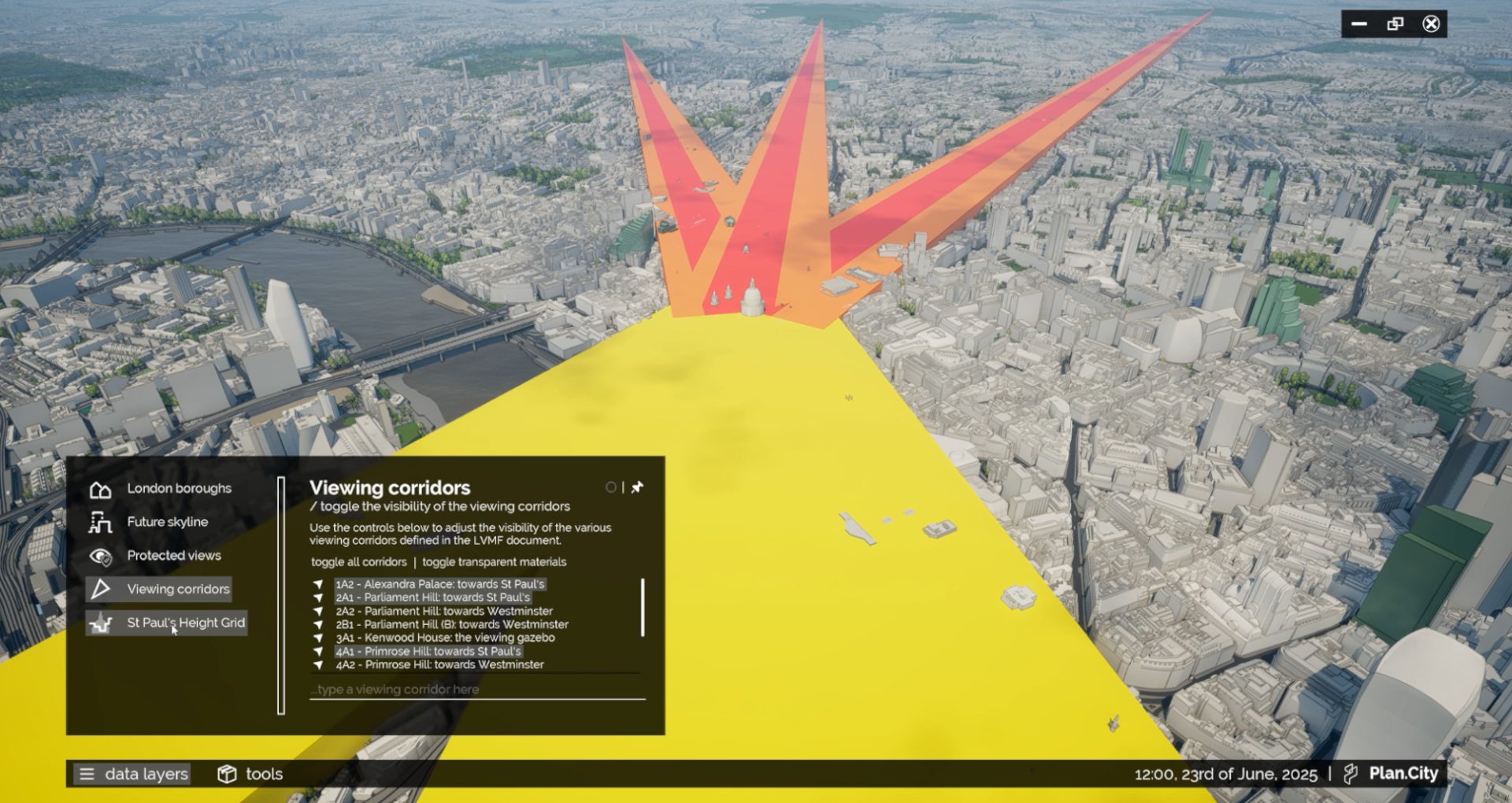
Local Planning Rules & Restrictions Compliance
Viewing Corridors, Protected Views, Maximum Height Grids
To reflect regional variations, history and its envisioned future, many cities – London included – create a set of additional local planning laws and restrictions. Plan City includes London View Management Framework corridors, Protected Views and St. Pauls Cathedral Maximum Buildings Height grid. To comply with these bylaws, planners can quickly check designs against these restrictions.
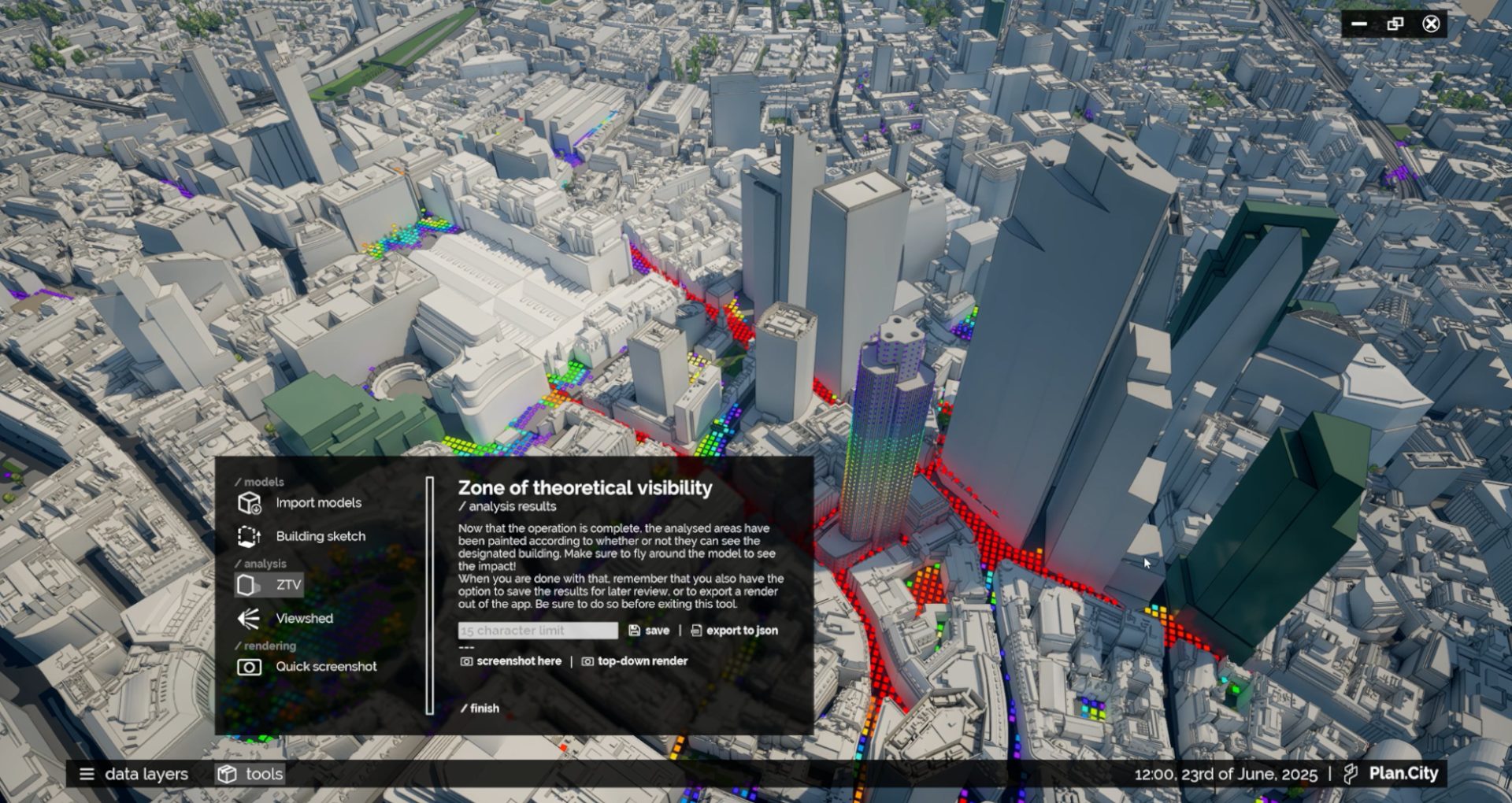
Zone of Theoretical Visibility
Rapid Building Visibility Study
The Zone of Theoretical Visibility tool allows users to conduct rapid visibility studies, allowing to understand where a proposed building can be seen from. The ZTV can help you understand how much of your building can be seen from any point around it, and we’ve split the results by bands to better visualise the results.
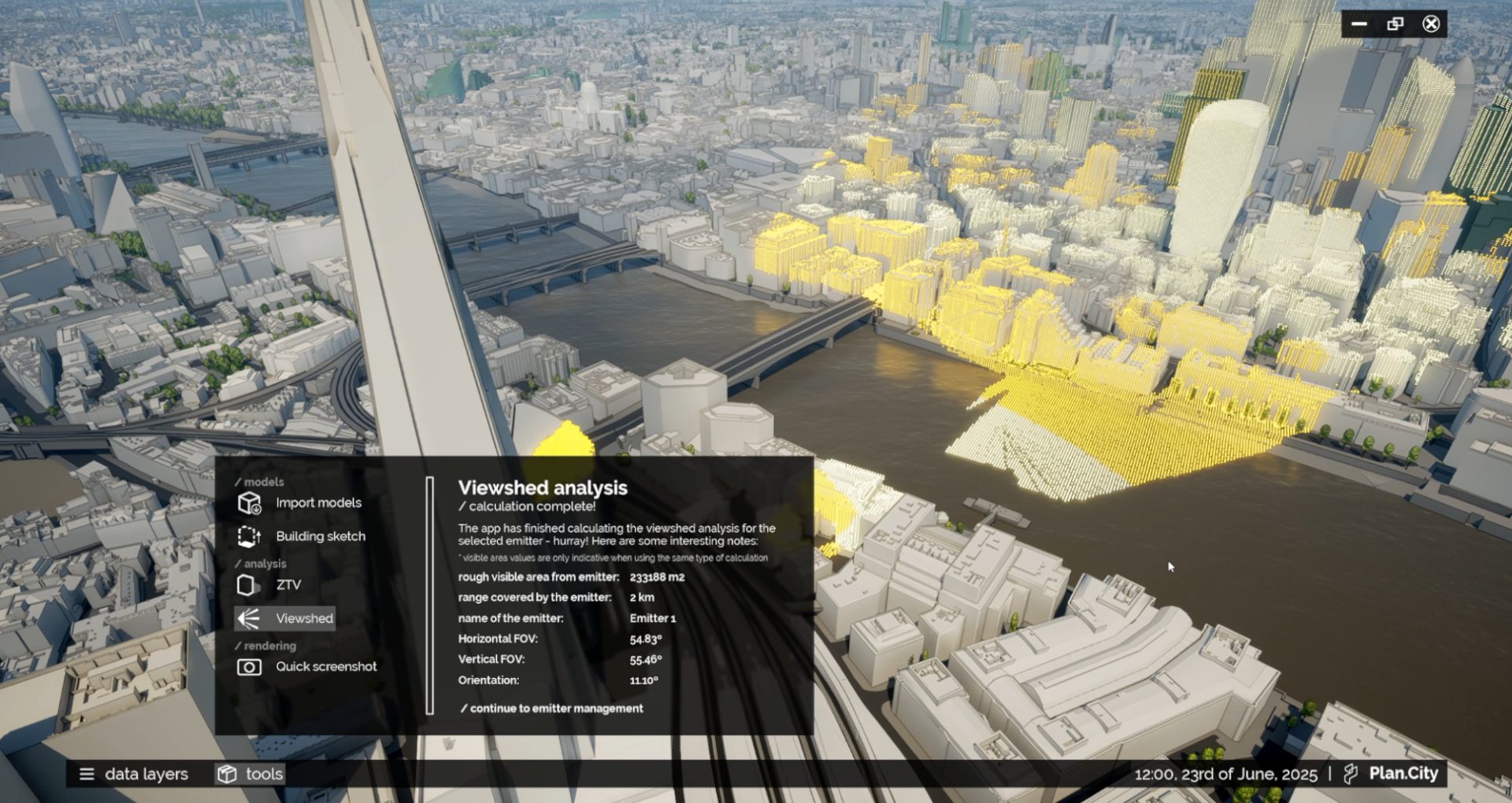
ViewShed Analysis
Visibility from a Single or Multiple Points
The Viewshed tool allows users to visualise exactly what’s visible from any chosen location. It can be used to both assess what can be seen from a given vantage point, and even compare what multiple emitters can see.
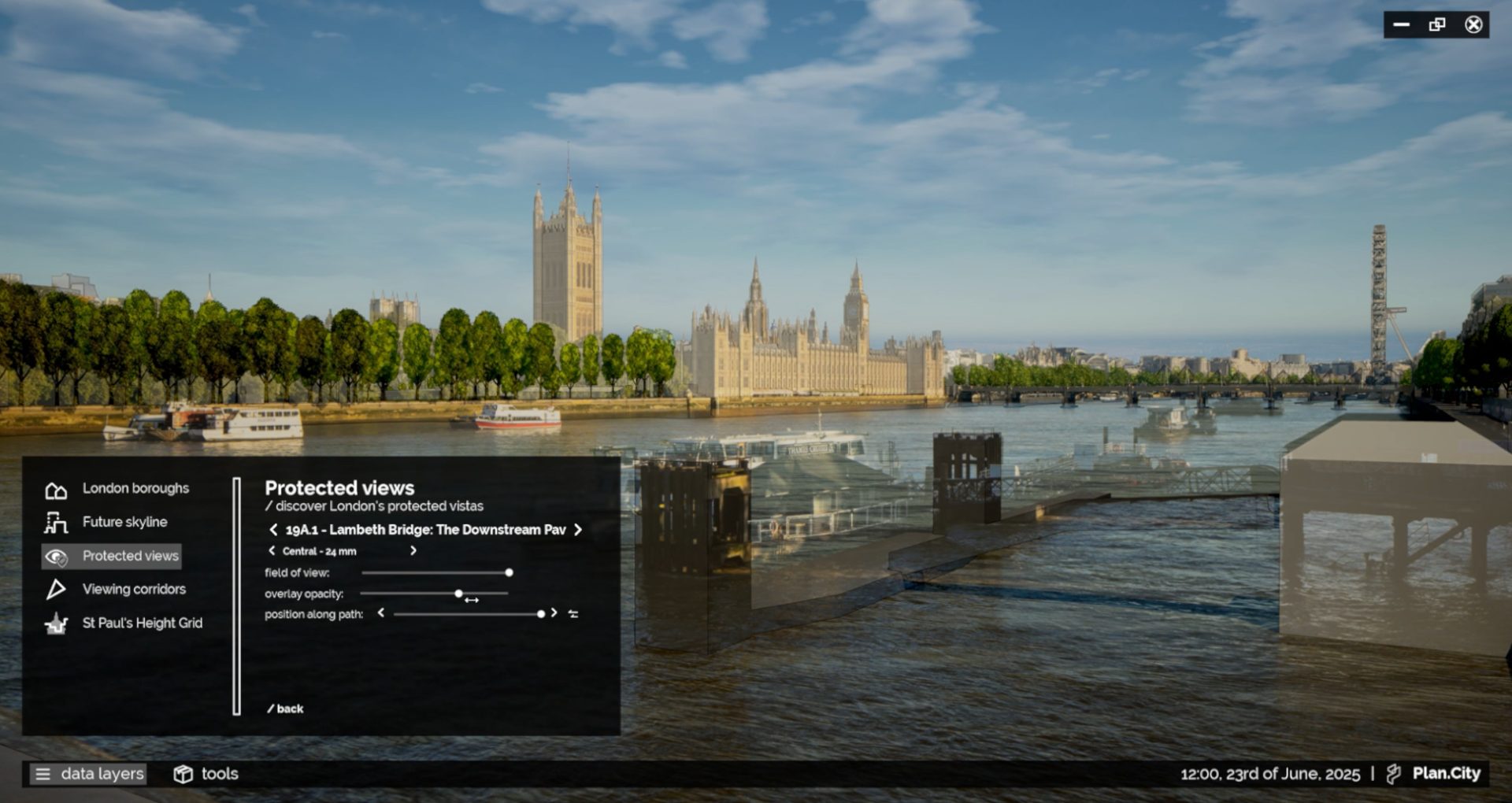
Protected Views Photo Overlays
3D Model / Camera matched images
Our Protected Views data layer includes all viewpoints from the London View Management Framework. For every viewing point, commissioned real-world images can be overlaid with the virtual environment. This allows users to see, in real time, how their design impacts London’s skyline.
Communication & Presentations Tools
Quick creation of Hi-res Renders and Presentations
It is now easier to communicate design ideas with all the various stakeholders. Plan.City users can capture High Resolution renders in real time. Quickly create multi-view 3D presentations using wide area context model of the city. Use screen capture software to create impressive animations. For state-of-the-art presentations, Plan.City Pro users will be able to render 3D stereoscopic or 360 videos or even use the app with Virtual Reality headsets.
Top Architects use AccuCities 3D City Models
